
Remote Support
Get remote IT support from NW Communications without waiting for an on-site visit. Perfect for straightforward troubleshooting and software issues.
How Remote IT Support Works
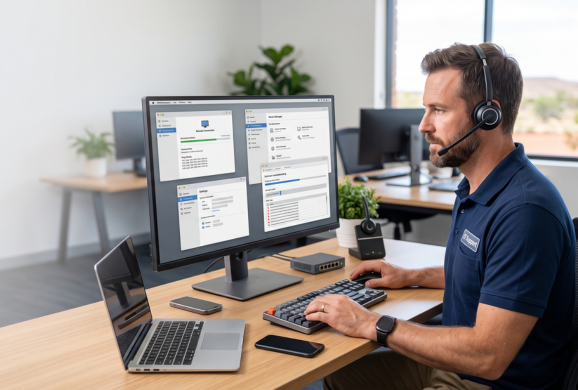
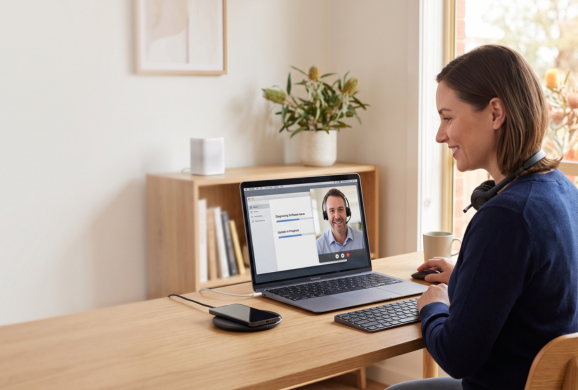
Remote support allows our technicians to troubleshoot compatible technology without needing to be physically present at your location.
Contact Our Team
Tell us about the problem you’re experiencing and provide any relevant information about your computer, software or technology setup.
We Assess the Issue
Our team determines whether your problem can be diagnosed and resolved remotely or whether an on-site visit may be more appropriate.
Secure Remote Assistance
Where suitable, our technician can use an appropriate remote support connection to access your computer with your permission.
Diagnose & Troubleshoot
We investigate the issue, identify potential causes and work through the appropriate troubleshooting steps.
Get Back to Work
Once the issue has been resolved, we can explain what was causing the problem and provide practical guidance where appropriate.
What Remote Support Covers
For many computer and IT issues, our team can connect to your system remotely and resolve the problem without needing to visit in person — saving time for both straightforward troubleshooting and software issues.
Specifics of the remote-support process — which tool is used, session-based vs ongoing, whether it applies beyond computers to other services — aren’t detailed on the current live site and shouldn’t be invented. Confirm before publishing full detail; see Open Items.
Who This Is For
Customers with a computer or software issue that doesn’t require physical hardware work — often the fastest way to get an issue resolved. For hardware repairs or new setups, see Computers & IT.
Request Remote Support
Get in touch and our team will confirm whether your issue is a good fit for a remote session.